
Demo
See how Hedgehog Bits works
Fifty seconds of the real app. Someone types a name and gets the games. The owner types their password in the same field and gets the vault.
In the video
- 0:00 Someone types a name, and the app opens the games
- 0:09 A real game: In Order
- 0:20 The owner types the password in the same field
- 0:26 The vault: folders, photos and notes
- 0:33 Viewing photos
- 0:42 Documents
- 0:47 Lock: back to the hedgehog
No sound. Recorded in the iOS Simulator with made-up sample content. The video follows your device's light or dark setting.
Step by step
The same walkthrough as still screenshots, for reading at your own pace.
-
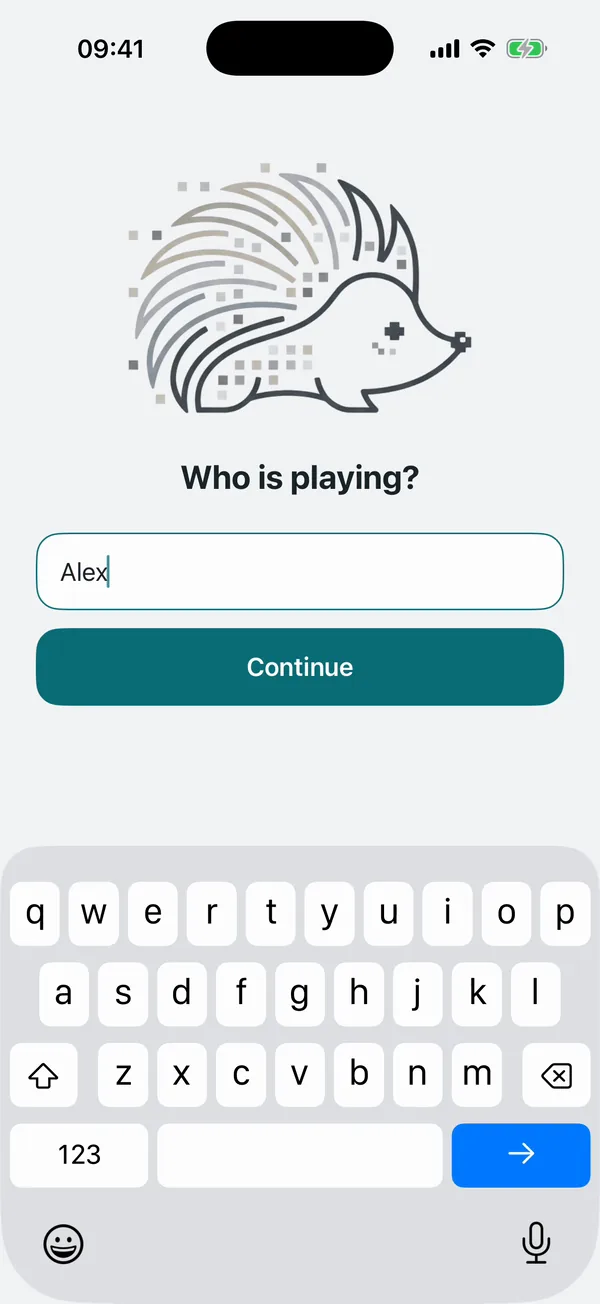
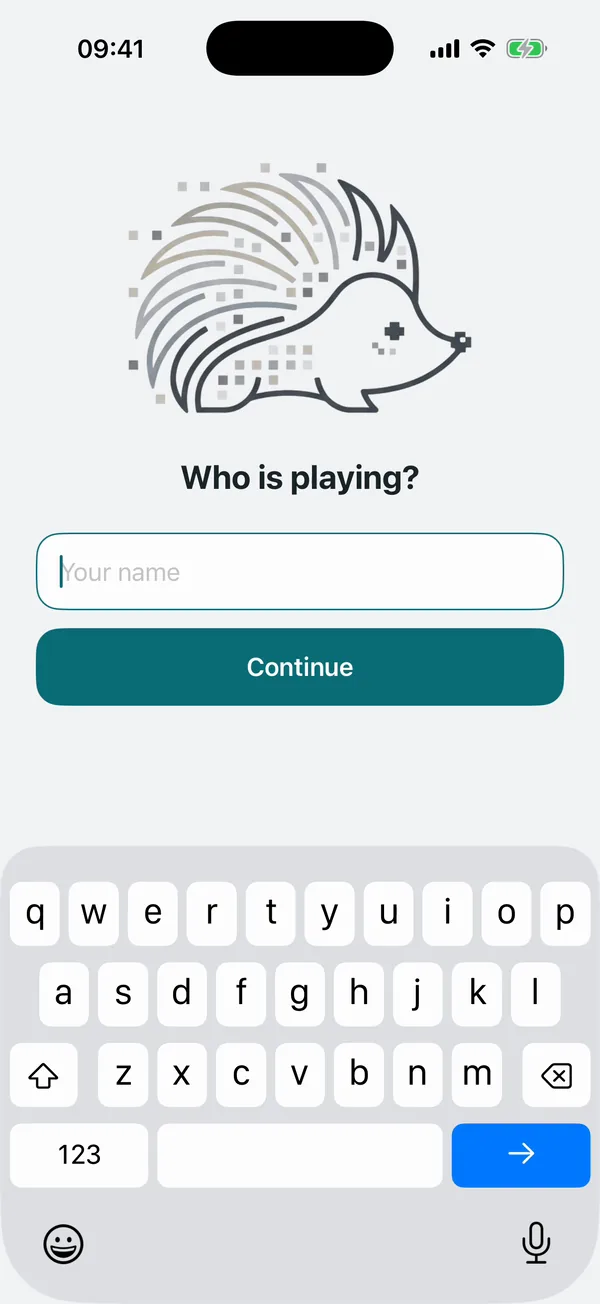
Who is playing? Anyone who opens the app sees the hedgehog and this one question. Here, someone types a name. -
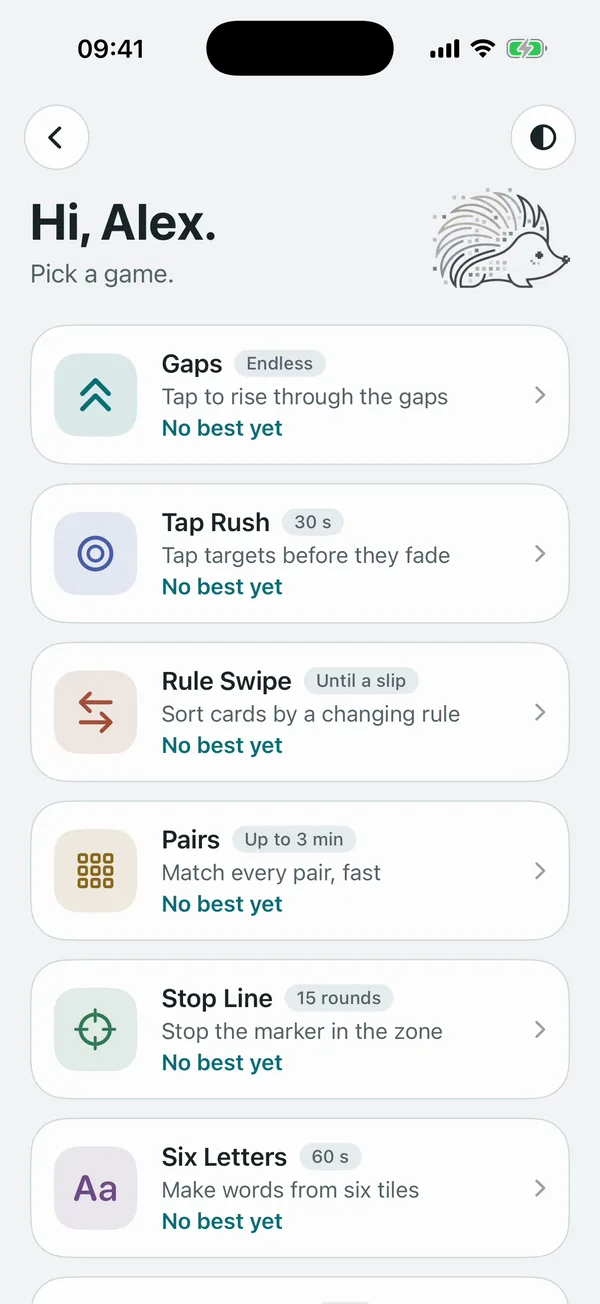
A name opens the games Any answer that isn't the password opens ten games with personal bests. Nothing on screen mentions a vault. -
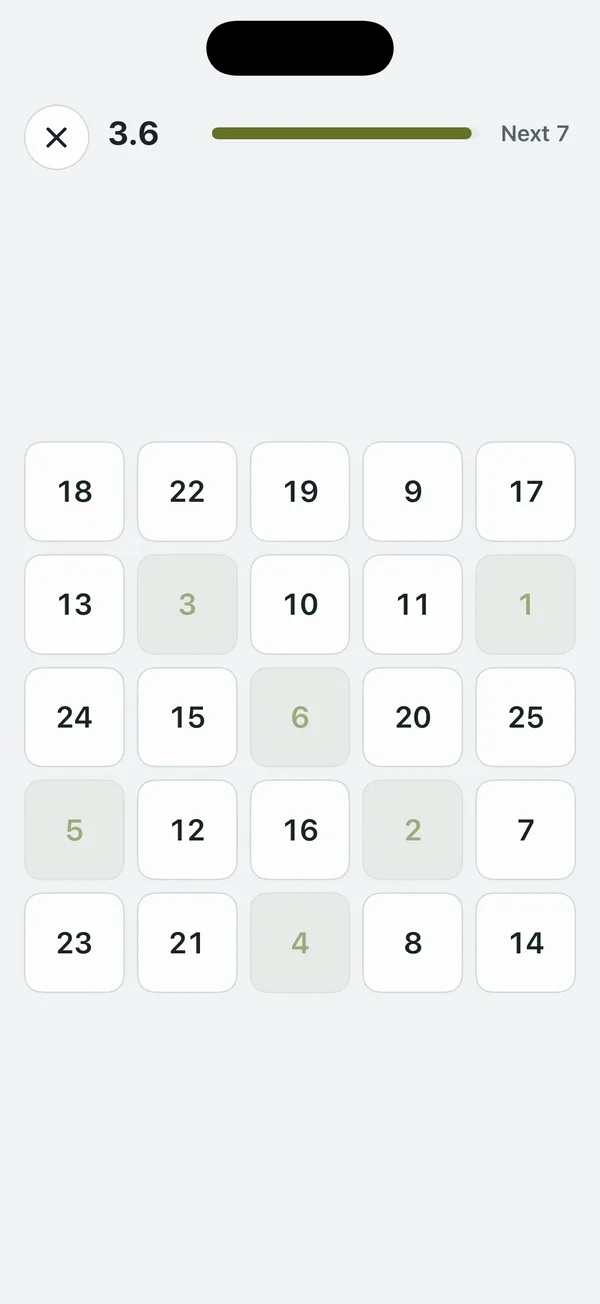
The games are real Each game is complete. This one is In Order: tap 1 to 25 on a shuffled grid as fast as you can. -
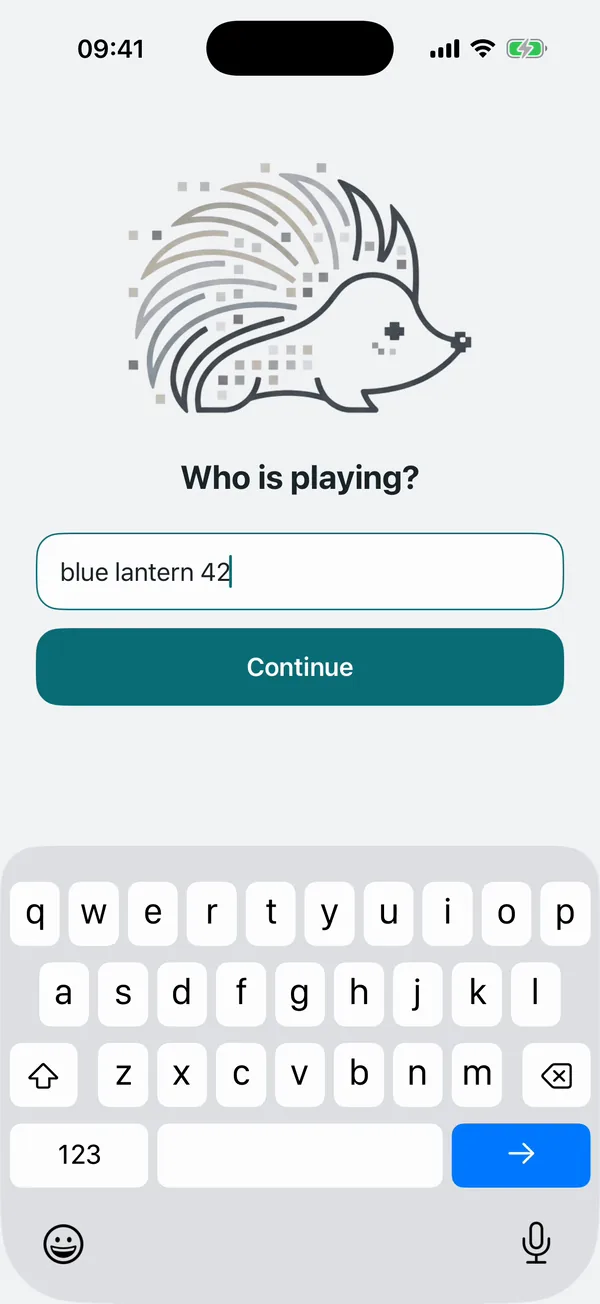
The password goes in the same field The owner types their vault password where a name would go. It is checked on the iPhone. There is no server and no account. -
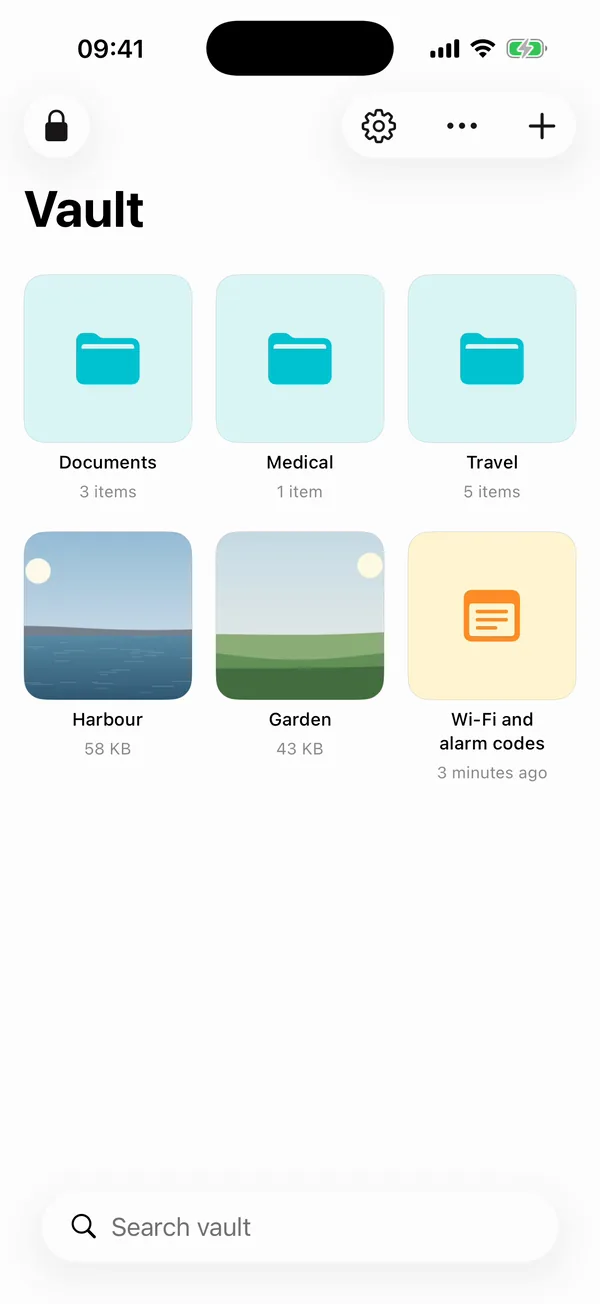
The vault opens Folders, notes, photos, videos and files, all encrypted on the device. -
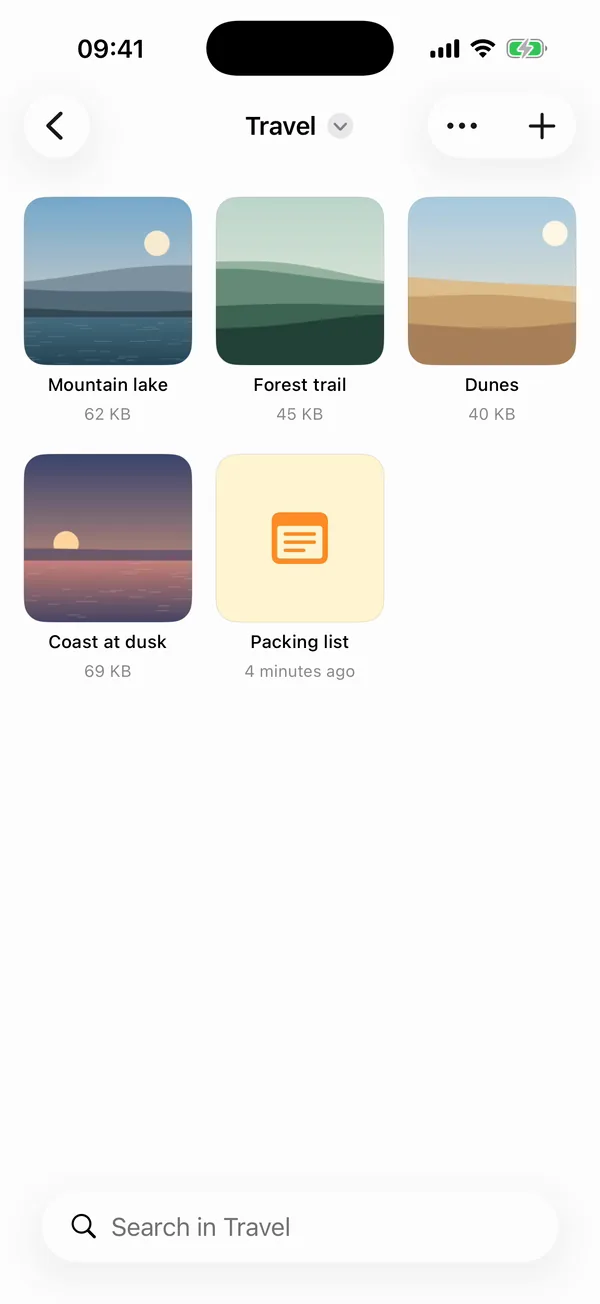
Folders you organise yourself Items in the vault are encrypted copies. They are not part of your photo library, iCloud or computer backups. -

Viewing a photo Photos and videos are decrypted in memory while you look at them, and swipe like a normal gallery. -
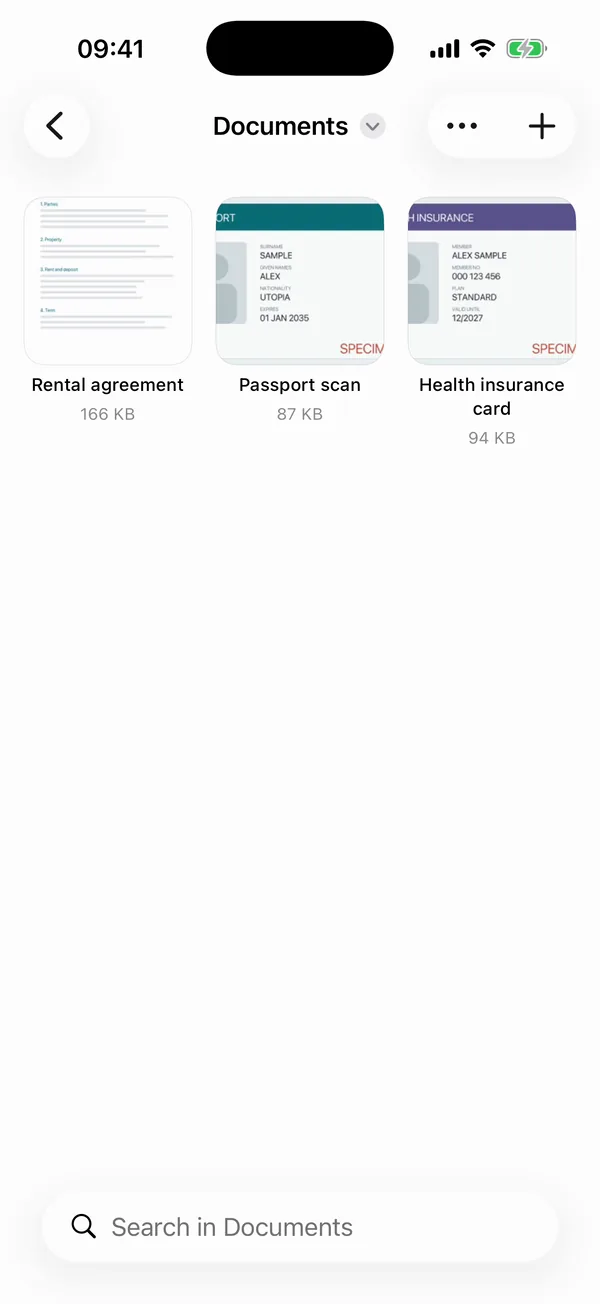
Documents Scans and PDFs, such as a passport or a rental agreement. Everything in this demo is made-up sample content. -
Lock, and it's a game again Tap Lock, or leave the app, and it returns to the hedgehog straight away. The app switcher only ever shows the hedgehog.


What the demo doesn't show
- The encryption itself. Your password is turned into a key with Argon2id, and each item is encrypted with AES-256-GCM. The security design page explains how.
- Backups. You can export the vault as one encrypted file and restore it on a new iPhone. See moving your vault to a new iPhone.
- The limits of a disguise. The games help against a passing glance. They are not what protects your data. What a disguise can and cannot do covers this.